Turn family photo scanning into a zero-memory job.
We are testing a deliberately simple CareTV workflow for digitizing family photographs: a person should be able to load ordinary 4×6 prints into a small scanner and do essentially nothing else. The computer work—file naming, duplicate detection, image improvement, OCR where useful, AI-assisted description, indexing and backup—belongs to CareTV, not to the person feeding the photos.
Design rule: the human should not have to remember a workflow.
Why start small?
A large office scanner can be technically capable while still feeling like equipment that must be operated. For this experiment, the smaller feed-style photo scanner is attractive because the physical interaction can be reduced to something concrete and repeatable: place a photo, let the machine take it, repeat.
What CareTV should remember
Folder locations, filenames, dates, scan settings, OCR settings, enhancement settings, cloud destinations, family names and backup rules should be installer-configured or software-derived. Those details should not become a memory test for the person using the scanner.
Preserve first
The archival scan should be retained unchanged. Any sharpening, color correction, restoration, cropping or AI enhancement should create derivatives, never destroy the original capture. CareTV can then compare versions and improve them over time as algorithms get better.
The intentionally simple scanner
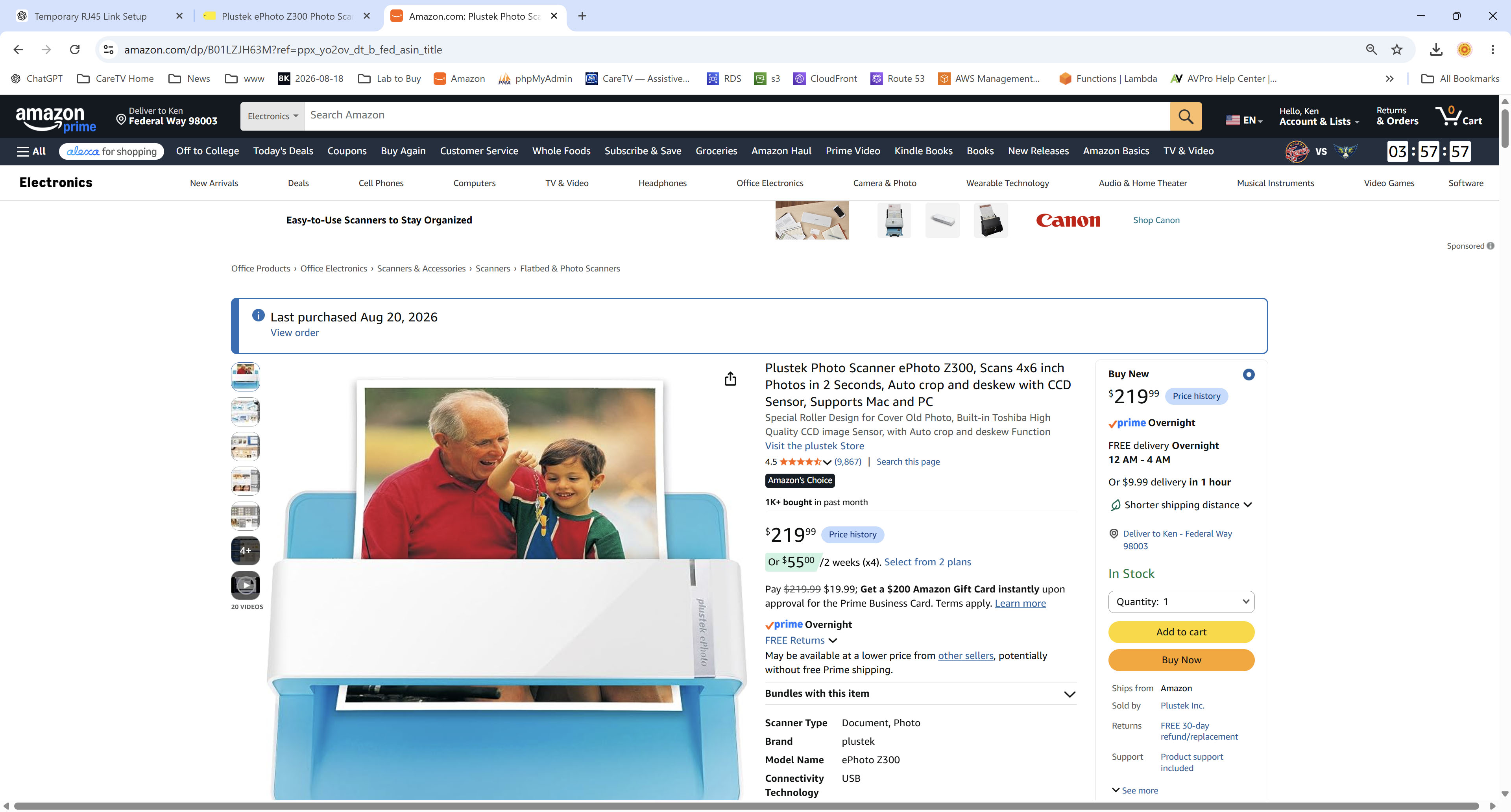
The small feed-through form factor is part of the accessibility experiment: reduce the task to handling familiar physical photographs rather than operating a computer.
From idea to same-day experiment
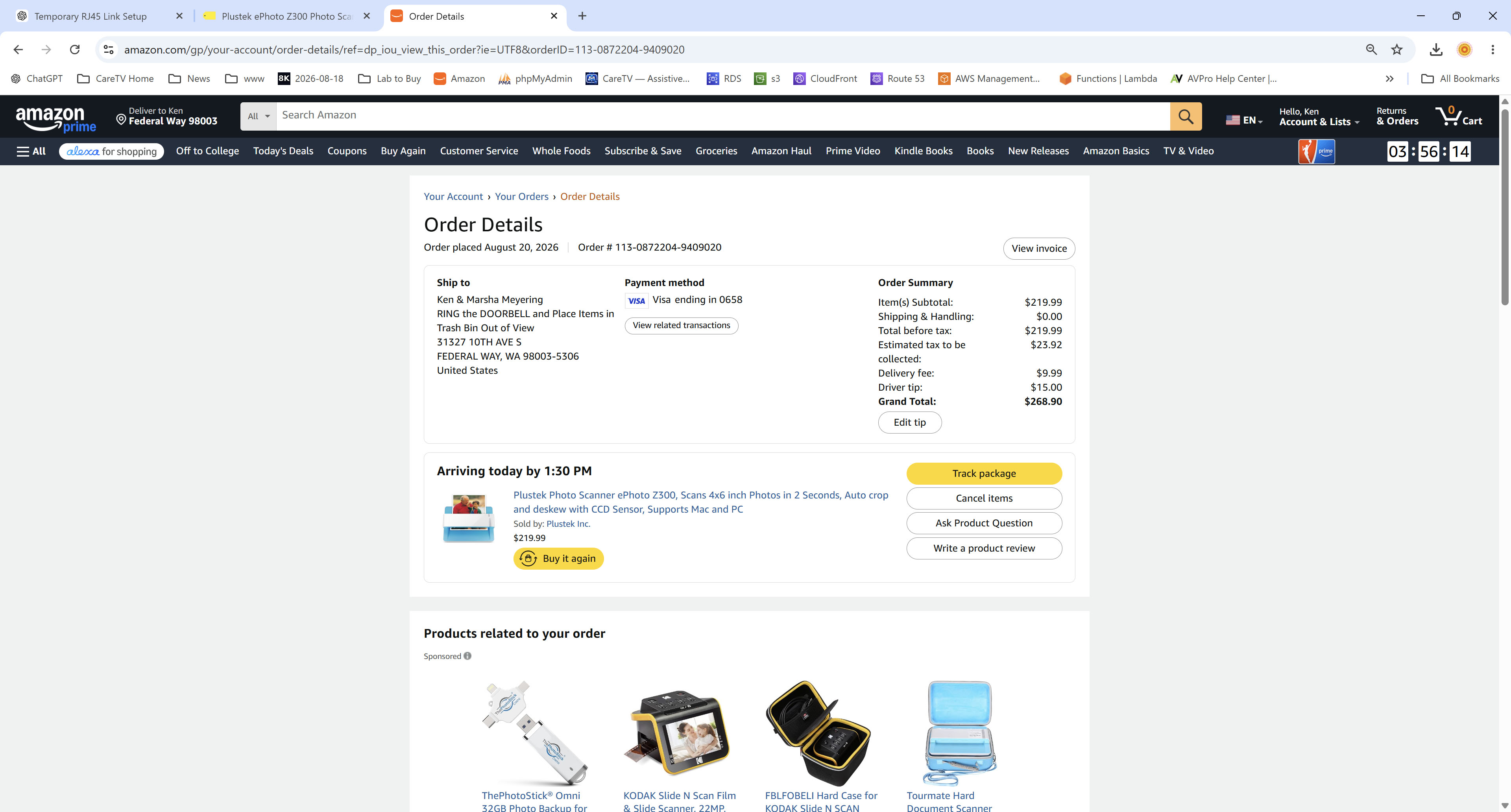
The point of the daily build is to move quickly from an accessibility idea to a testable household workflow.
What happens after each scan
Automatic ingest
Watch the scanner output directory and immediately copy new captures into a CareTV-controlled ingest queue.
Identity & metadata
Create unique IDs, timestamps and checksums automatically. Never ask the scanner user to invent filenames.
Image improvement
Deskew, crop, exposure/color correction, dust/scratch reduction and optional restoration can run as non-destructive derivatives.
AI-assisted naming
Generate tentative descriptions and group likely people, places and events for later family review. AI guesses should remain reviewable rather than silently becoming historical fact.
OCR & documents
If a scan contains handwriting, captions or document text, OCR can make that text searchable and feed later fax/SMS/document workflows.
Local-first backup
Keep the primary archive under household control, then replicate encrypted copies to approved backup destinations. Cloud storage is a backup/availability layer, not the only copy.
Accessibility is the product requirement
This is not a productivity contest. The goal is to make a useful family activity possible with very low cognitive overhead. A successful system should tolerate pauses, repeated scans, out-of-order photos and mistakes without requiring recovery procedures.
CareTV integration roadmap
WORKING NOW: physical photo captureNEXT: unattended ingest watcherNEXT: archival originals + derivativesNEXT: OCRNEXT: AI description / naming reviewNEXT: local indexNEXT: encrypted backupLATER: fax / SMS routingLATER: family search in CareTV
The same ingest framework can later accept duplex paperwork, fax documents, voice transcriptions, photographs from other scanners and camera captures. The scanner is an input appliance; CareTV owns the durable archive and automation layer.
Why publish the experiment?
Many accessibility systems begin by asking people to learn an interface. CareTV is exploring the opposite direction: use familiar physical actions and move complexity into software that can be configured once, observed, audited and improved. Publishing the daily experiments lets other families, caregivers and developers reproduce the useful parts without requiring a proprietary service.